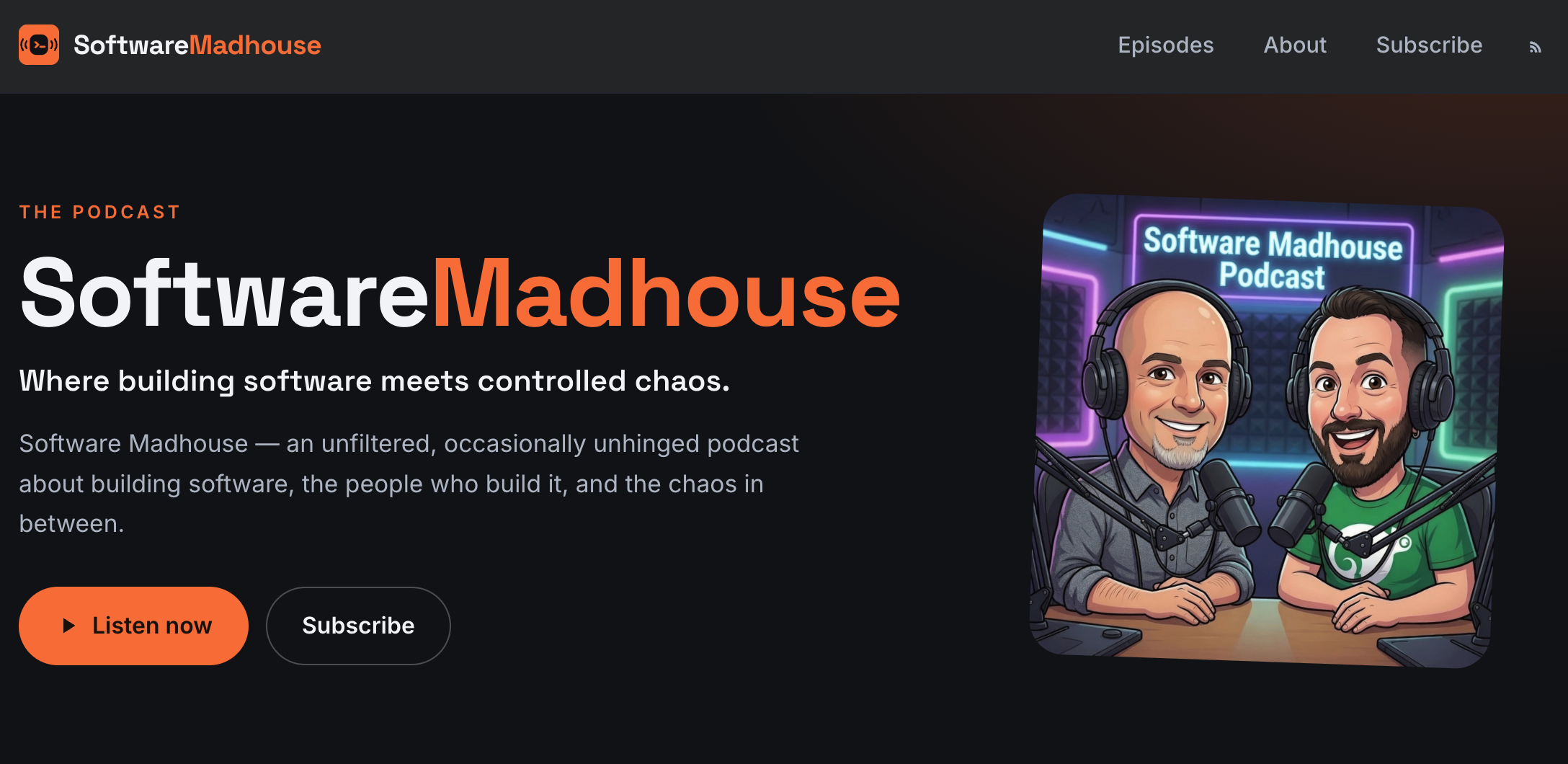
It’s been almost a decade since I launched a new podcast. In that time the technologies available have changed. So, when I started the Software Madhouse with Robert Sirchia there was an opportunity to re-think how we built the site, hosted the podcast, and even recorded the show. This post contains an overview of the technologies I setup this time.
Recording The Show
There are a few parts to recording a show when the hosts are in different locations, including: connecting people together, audio/video, and doing the recording itself.
There are numerous technologies to bring people together from Streamyard to Google Meet. In our case, we’re using VDO.Ninja. It’s free, available under an open source license, and the audio/video streams device to device. There are a number of customizable options and we’ve found settings we’re comfortable with.
Recording the show is done via Open Broadcaster Software (OBS). This allows us to mix in opening music and anything else we would someday like to. There are easy directions to follow for VDO.Ninja to connect it to OBS. This is a common setup.
What equipment do we use? I can’t speak for Robert. For video I’m using the Logitech MX Brio Ultra HD 4K. This handles the lower light I like to have in my office while producing a crisp picture. I’ve used a couple microphones so far including airpods and a Shure SM7B that I got when I was co-hosting my first podcast. You’ll see me use a variety of hardware, if you watch the show. There is a lot of modern equipment that’s good enough.
Handling Media Files
The video files can be easily uploaded YouTube for it to handle. Producing the mp3 file for audio listeners is a quick task for ffmpeg:
ffmpeg -i ~/path/to/recording.mov -c:a libmp3lame -q:a 2 ~/path/to/output.mp3
The conversion is done in just a few seconds.
To add the tags, such as title and track number, to the mp3 file I’m using kid3. This is another piece of open source software that made it easy.
Hosting The Show
There are many options for hosting the show website and files. The videos are up on YouTube.
The mp3 files are hosted in R2 storage from Cloudflare. This is easy to use and the cost structure helps me plan my costs without the surprise.
The website itself is a static Hugo site. It’s behind Cloudflare as a CDN with a high cache hit rate.
The website design, build, and graphics were produced with the help of AI. While I could do most of this by hand - I’ve designed and built websites - it was just fast and easy. That’s nice for a side project.
All together, this turned out to be pretty straight forward to build and put together.